
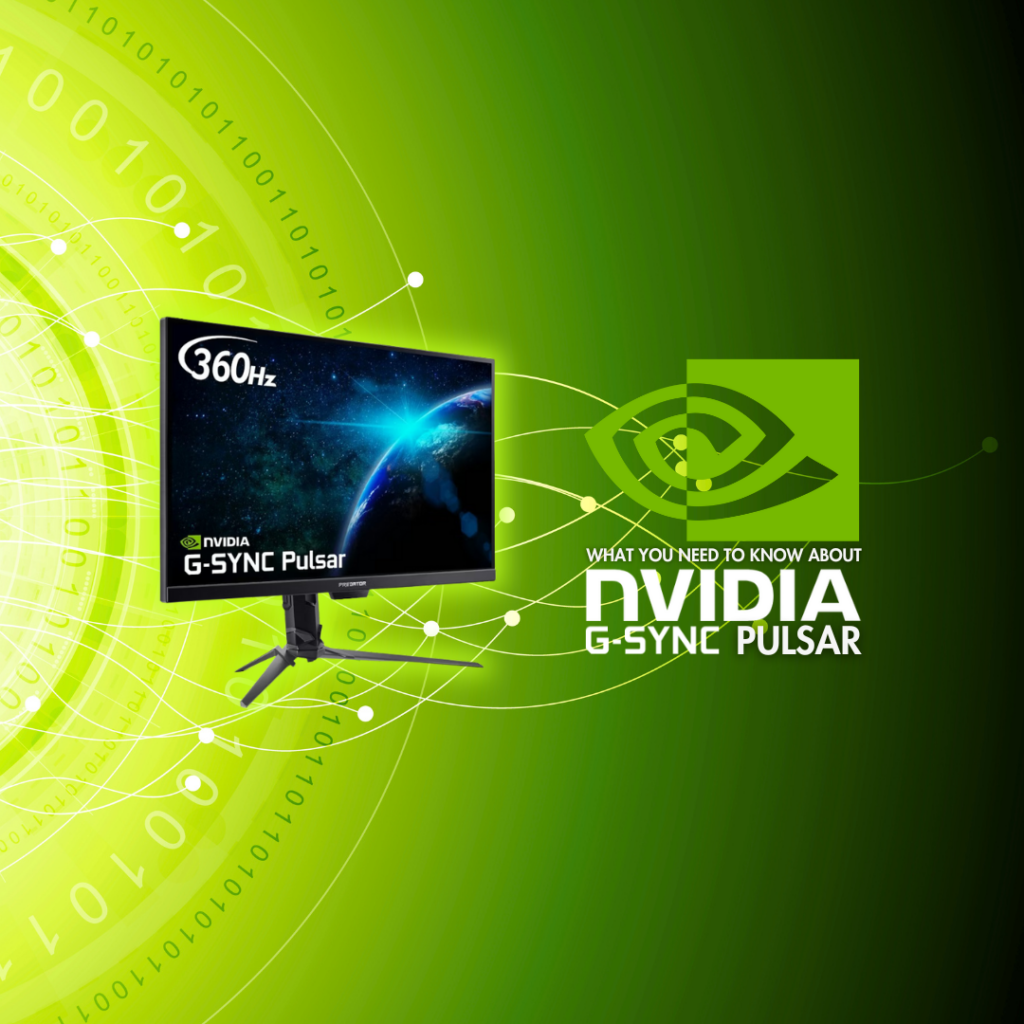
One of the big announcements out of CES 2026 was NVIDIA G-SYNC Pulsar. Today, we have the deets you need!
NVIDIA G-SYNC Pulsar is the latest evolution of variable refresh rate technology. Promising smooth visuals and no compromise on responsiveness, this tech is here to take our gaming to a whole new level!
What is G-SYNC Pulsar?
G-SYNC Pulsar is a new feature of NVIDIA’s variable refresh rate technology that facilitates a 1000Hz effective motion clarity. The TLDR? It makes your monitor display images with up to four times more clarity than standard VRR. Even when the action picks up and it’s all fast-paced motion.
As a result, you can enjoy a serious advantage in competitive gaming and smoother immersion for cinematic sequences.
Advanced Variable Refresh Rate
So how does G-SYNC Pulsar achieve this incredible feat? A core component is the strobing backlight. Motion blur is caused by our perception of persistent pixels. They simply aren’t fading quickly enough, and it creates blur. By strobing the backlight from the top to the bottom of the screen, these pixels fade from our vision much quicker and reduce the amount of blurring we see. As a result, images display with crisper detail and less ghosting.
As this video shows, the pixel essentially has a full frame time to move from one position to the next. We perceive it as always being in the correct location and, thus, see less blurring.
A fun combination of innovative technology and brain perception sorcery!
G-SYNC Ambient Adaptive Technology
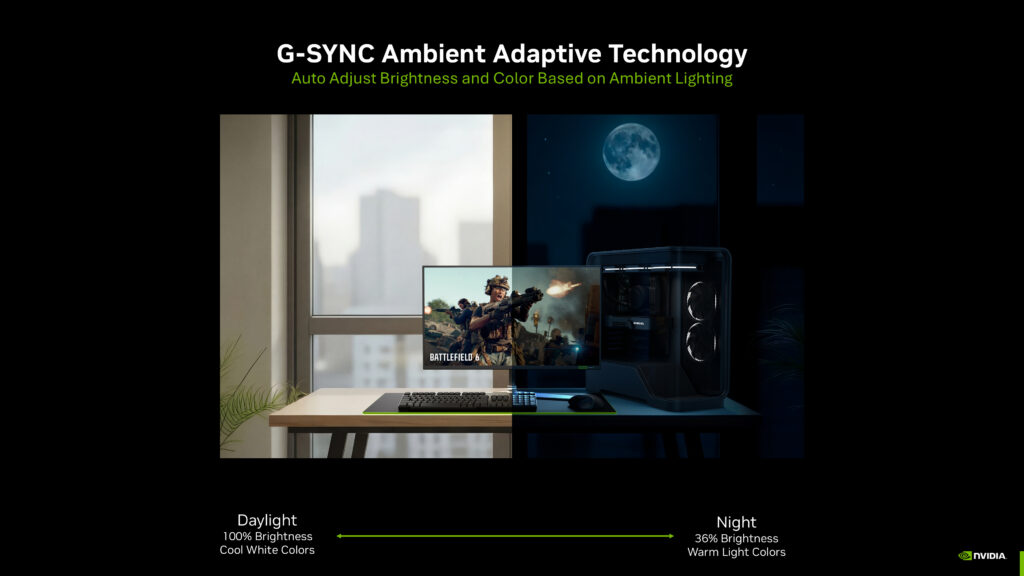
To go with G-SYNC Pulsar, NVIDIA also announced G-SYNC Ambient Adaptive Technology. This feature will be available on Pulsar-enabled monitors, too.
G-SYNC Ambient Adaptive Technology works similarly to your phone when it auto-adjusts brightness. There is an external sensor that registers the ambient lighting of the environment and adjusts the monitor display brightness and colour temperature accordingly. Even as the lighting changes around you, this will keep adapting so you always have optimal brightness on display.
In brighter daylight, the display will show with 100% brightness and cool white colours. As your environment gets darker, the whites will get warmer and brightness reduces down to 36% (minimum light level). You get an optimal viewing experience without the hassle of manually adjusting settings throughout the day!
G-SYNC Pulsar Requirements
To use NVIDIA G-SYNC Pulsar, you need three things: an RTX graphics card, Pulsar-enabled monitor, and a DisplayPort 1.2 (or higher) connection.
Upgrade to G-SYNC Pulsar
Want to take advantage of NVIDIA G-SYNC Pulsar but in need of an upgrade or two? At Overclockers UK, we have the tech you need to enjoy this advanced variable refresh rate technology. We’ve picked out some graphics cards and monitors below that are primed and ready, or you can explore our full collections with the click of a button!
Learn More About Monitors
Make your monitor work for you, with our helpful guides!
Is Your Finger on the Pulsar?
Have you upgraded to an NVIDIA G-SYNC Pulsar monitor? Let us know how it’s boosted your gaming experience in the comments below!
The post Intense Blur Reduction: What You Need to Know About G-SYNC Pulsar! appeared first on Overclockers UK.